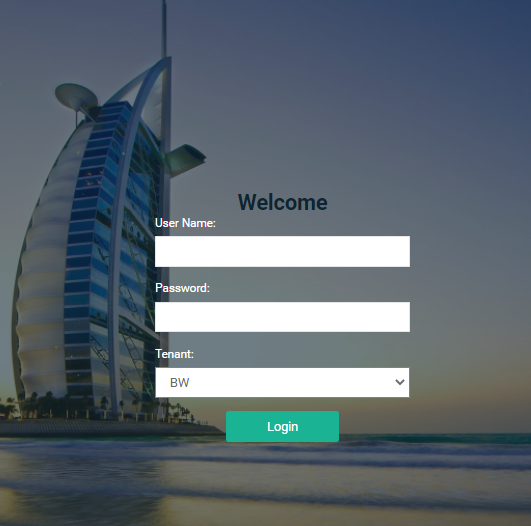
Enter user credentials and select the desired tenant
Click Login
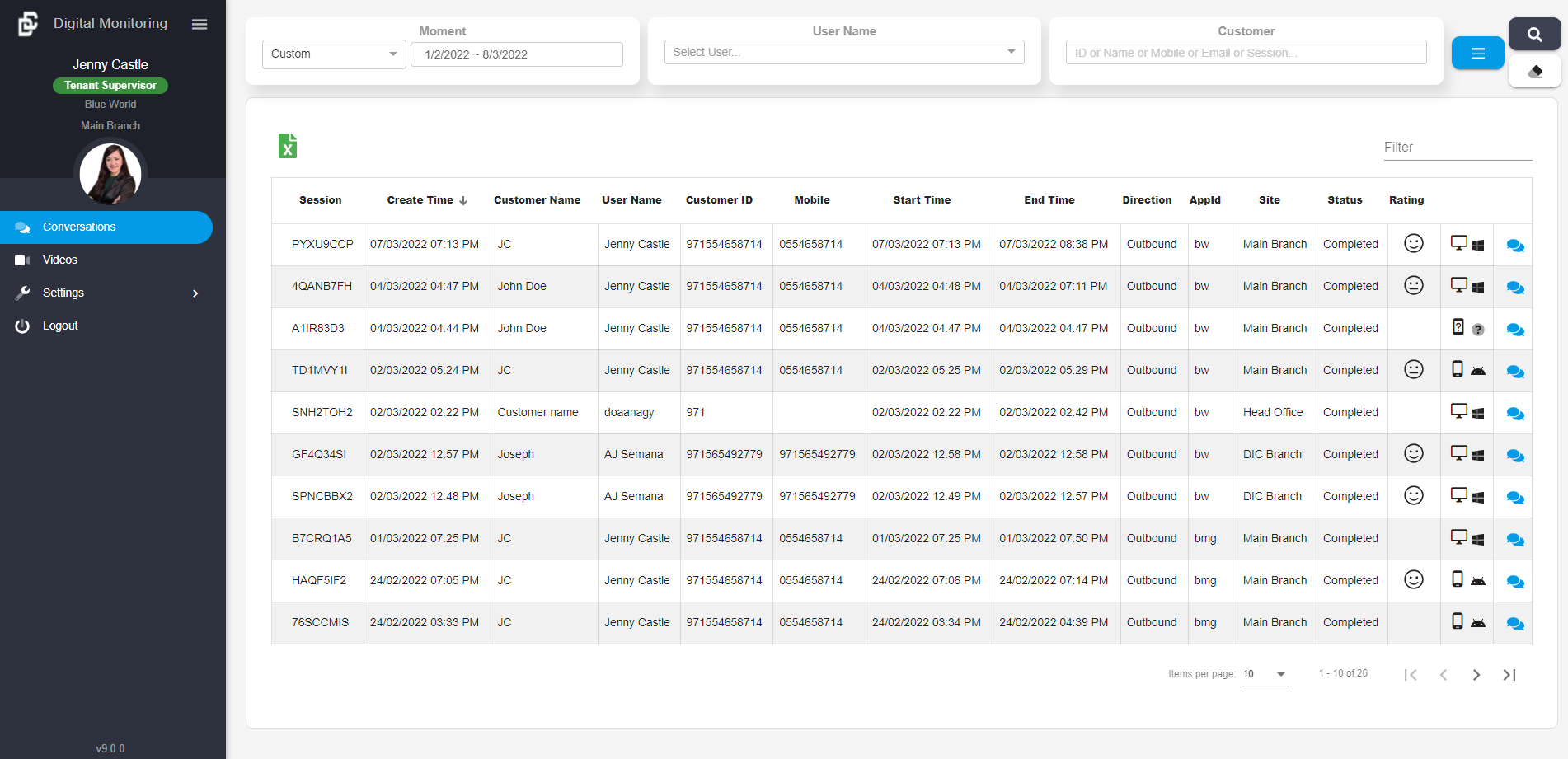
Login Successful - Landing Page
Supervisor App Main Menu
Displays Account Profile Name, Role, Tenant and Site Name
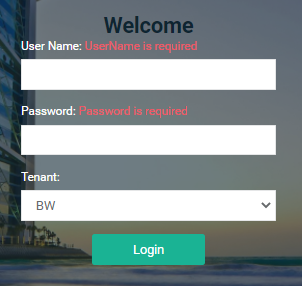
Login Failure Page
You will be directed to the landing page once you have successfully logged into the system.
You will be prompted with error message when:
Username is blank
Password is blank
Incorrect user ID or password
I am getting, "Unable to login! Reached max number of allowed users..."
If you are getting this message, please contact your admin.
I am getting, "Unable to login! User is not assigned..."
If you are getting this message, please contact your admin to update your account.
I am getting, "Something went wrong, please try again later."
If you are getting this message, the license might be expired. Please contact your IT admin.
Last updated 1 year ago